 Crumbs
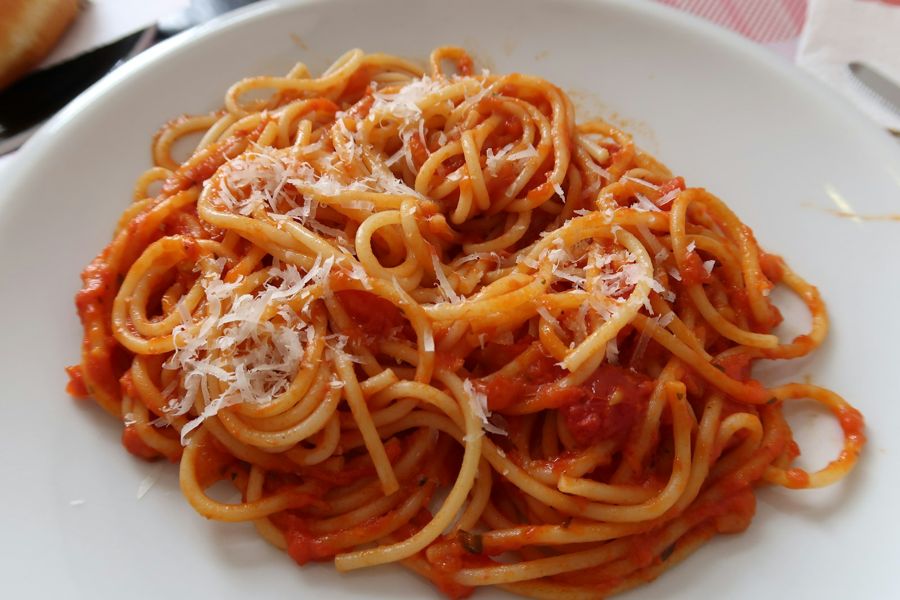
Save from any website
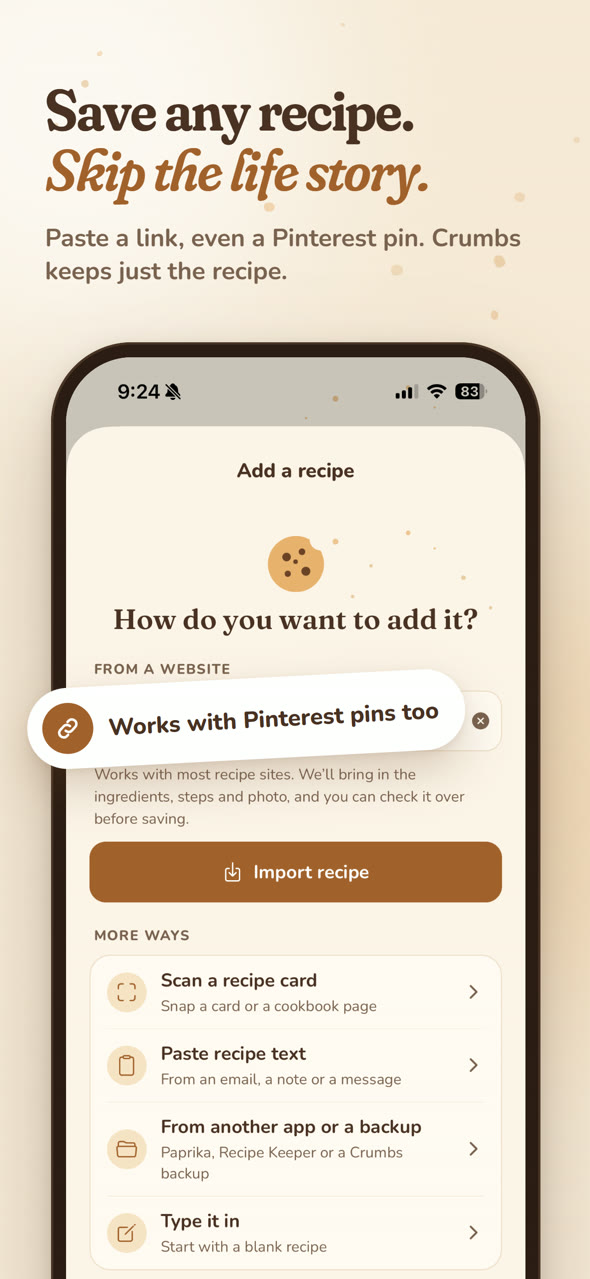
Paste a link from a food blog, a news site or a Pinterest pin. Crumbs finds the recipe and the photo. Sites that block apps open in a built-in browser, so you just tap Save.
Recipe box for iPhone & iPad
Save recipes from any website without the ads and life stories. Scan Grandma’s cards. Plan the week, and shop by aisle. It all stays on your phone.

 Free to download · $4.99 once for unlimited recipes
No banners between your ingredients, no videos that follow you down the page.
Paste a link and Crumbs keeps just the recipe: ingredients, steps, photo. Skip the 2,000 words about autumn in Vermont.
Nothing to sign up for. Your recipes live on your phone, and back up to a file you keep.
Everything in one place
Crumbs keeps the recipes you actually cook, and helps you cook them.
Paste a link from a food blog, a news site or a Pinterest pin. Crumbs finds the recipe and the photo. Sites that block apps open in a built-in browser, so you just tap Save.
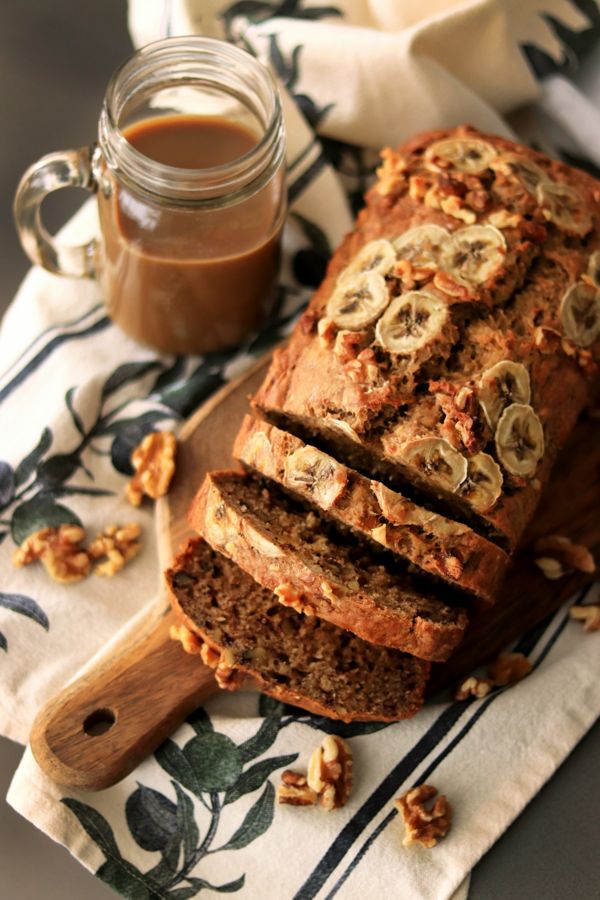
Snap a recipe card or a cookbook page, up to 4 pages. The text is read right on your iPhone, even handwriting, and turned into a recipe you can edit.
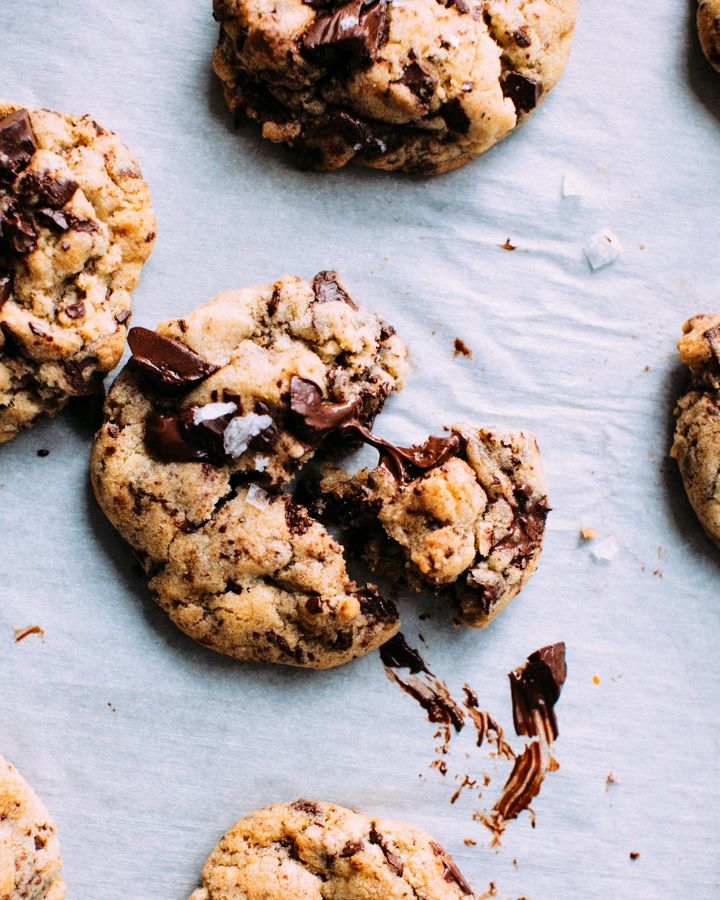
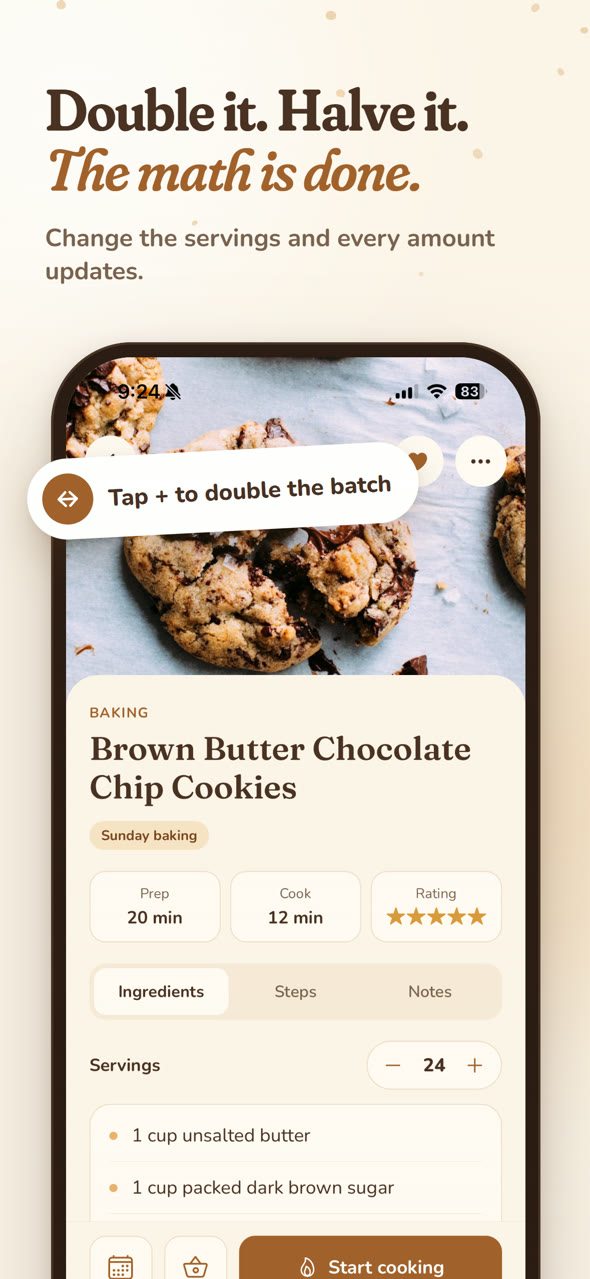
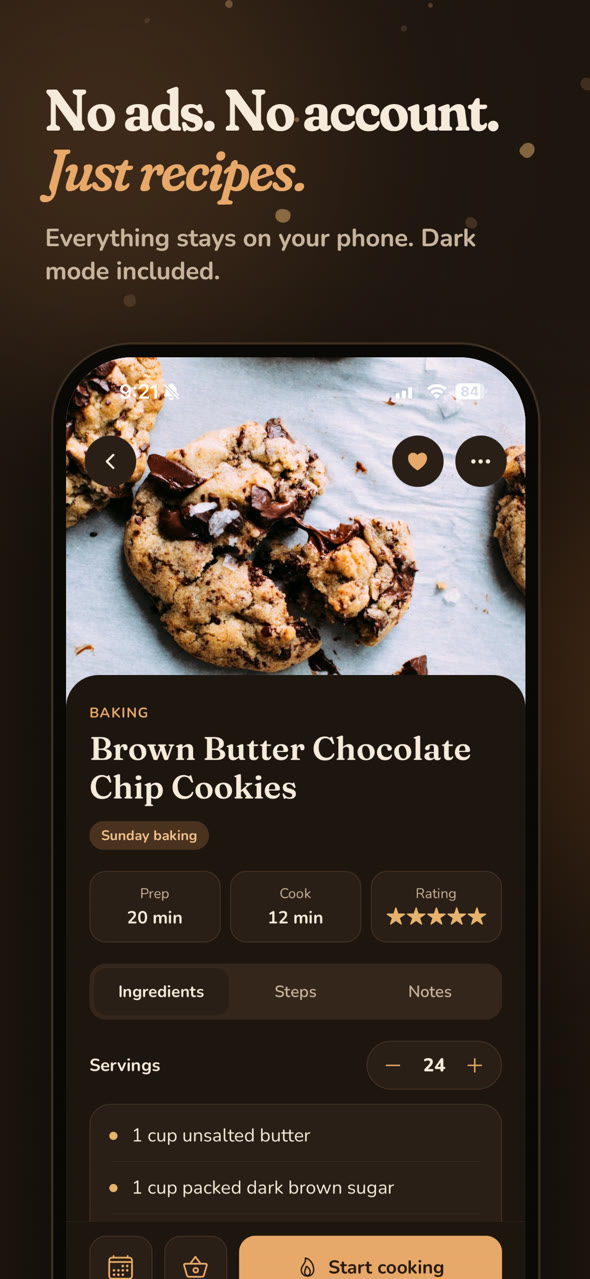
Change the servings and every amount updates, fractions and all. Making 48 cookies instead of 24 is one tap.

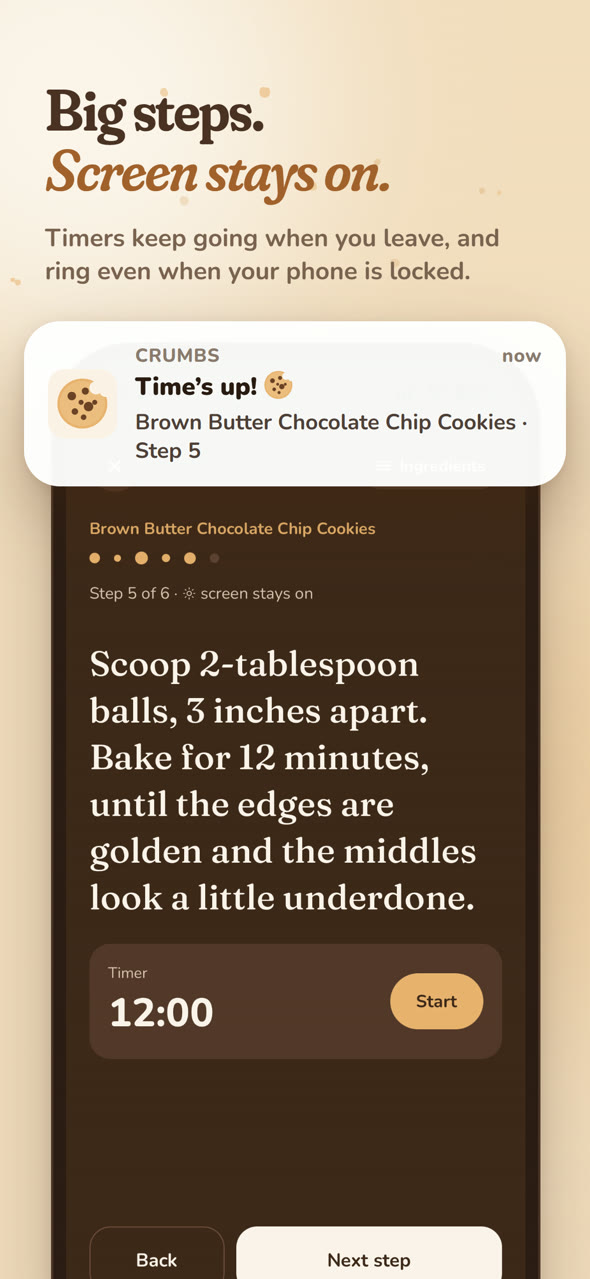
Big step-by-step text, and the screen stays awake. Timers keep running when you leave, and ring even when your phone is locked.
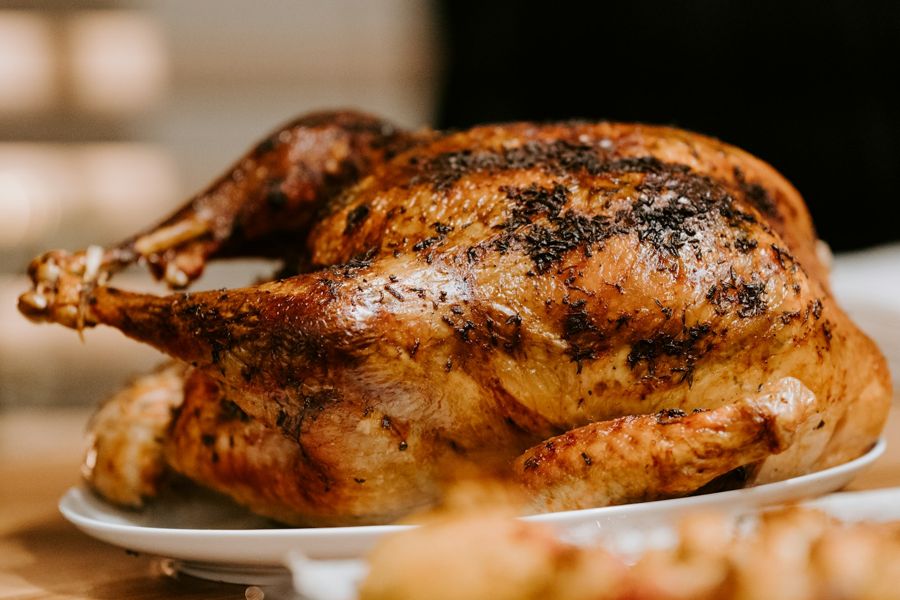
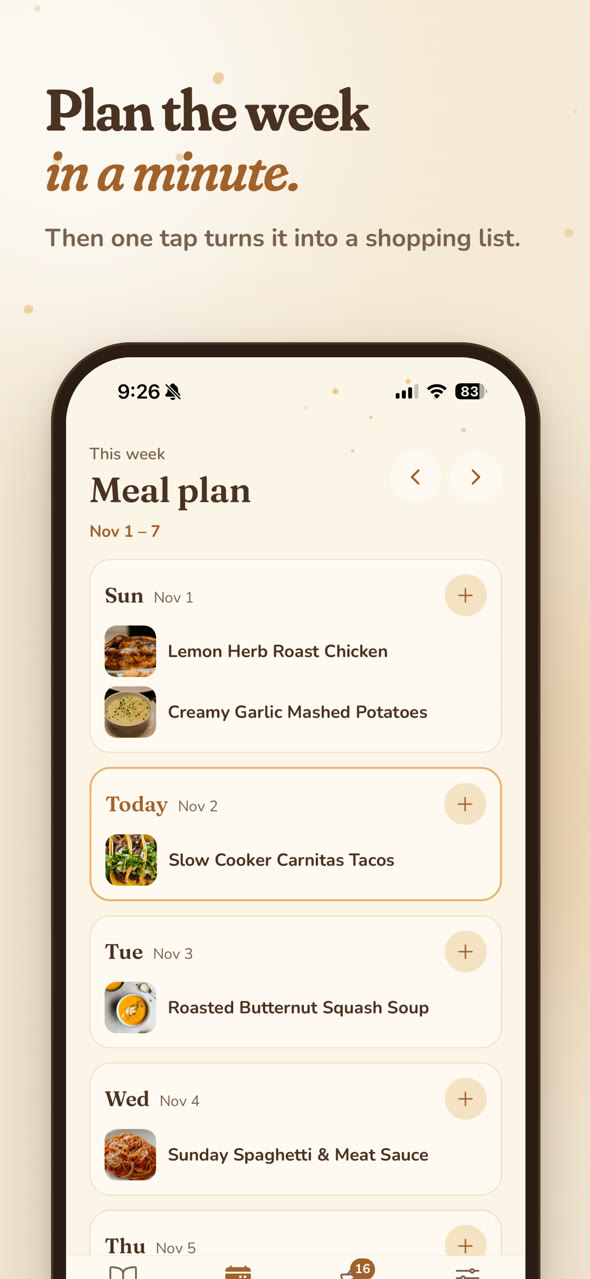
Drop recipes (or “Leftovers”) onto each day. Then tap “Shop for this week” to build one shopping list.
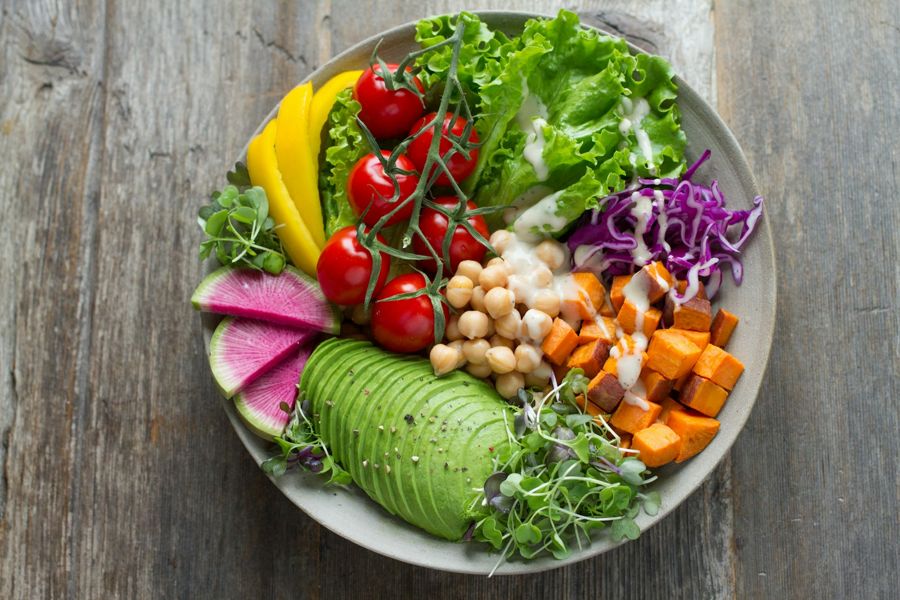
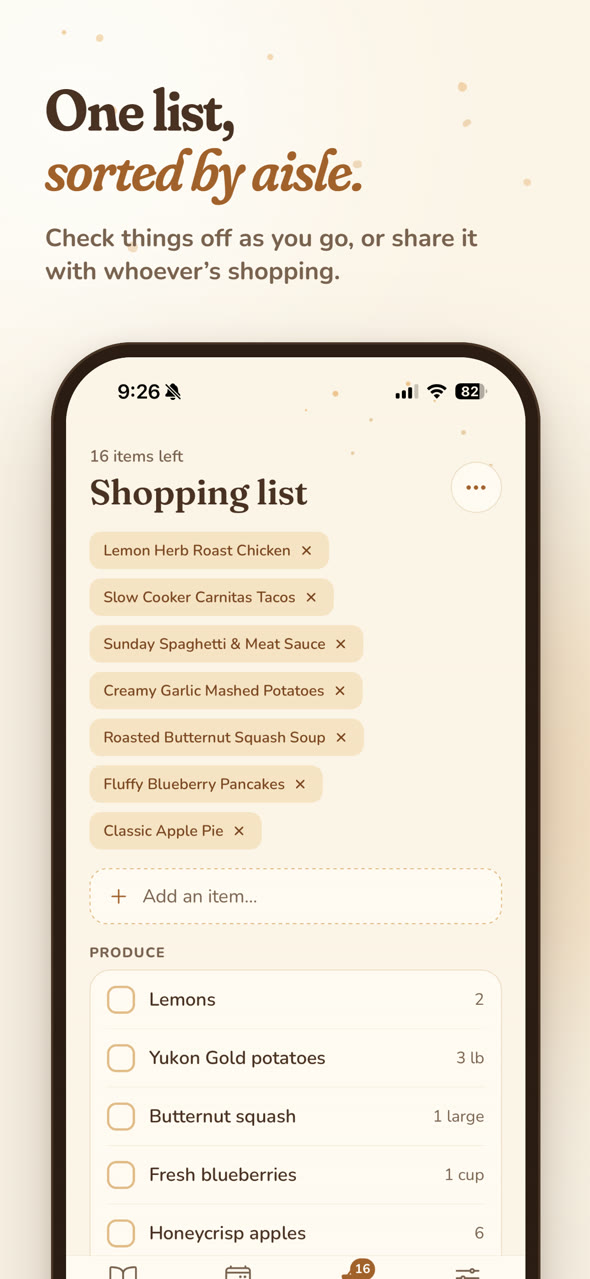
Your list sorts itself into produce, dairy, pantry and more. Check things off as you go, or share it with whoever’s at the store.
Bring your whole library over, photos and all:
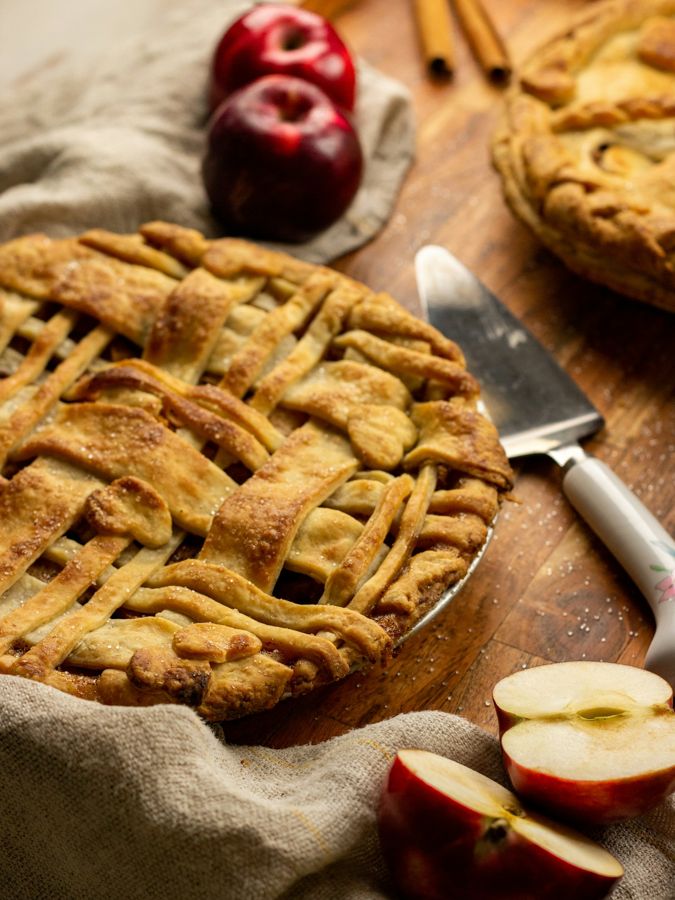
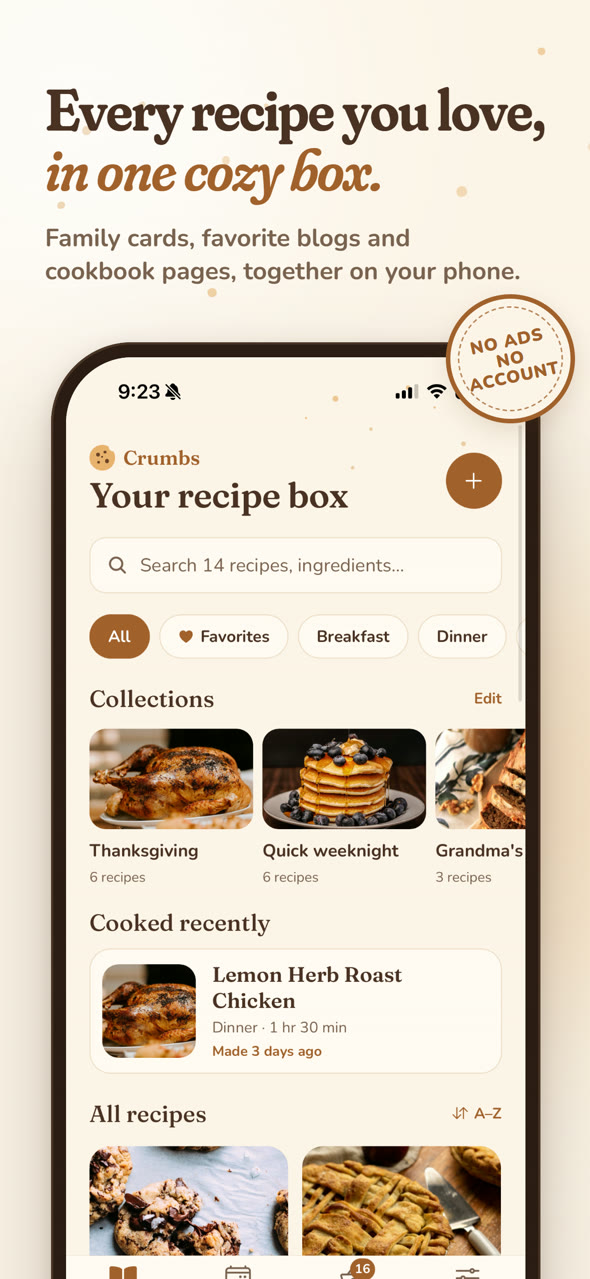
Thanksgiving, Quick weeknight, Grandma’s recipes. Put a recipe in as many as you like, heart your favorites, and sort by what you cooked last.

Ingredients and steps side by side on the big screen. Light and dark mode follow your device.
Take a look
Simple pricing
No subscription, no ads, no upsells in the middle of cooking.
$0
$4.99 once, yours forever
Most recipe sites, food blogs and Pinterest pins that link to a recipe. If a site blocks apps, Crumbs opens it in a built-in browser: find the recipe and tap Save. You can always paste the recipe text instead.
No. There’s nothing to sign up for. Your recipes are stored on your iPhone or iPad, not on our servers.
In Settings, tap “Back up my recipes” and save the file to iCloud Drive or AirDrop it. On the new phone, open Crumbs, go to Settings → Restore or import, and pick the file. Photos come along too.
Everything you’ve saved stays, and you can keep viewing, editing and cooking all of it. To add more, unlock Crumbs Pro for $4.99 once. The sample recipes don’t count toward the 25.
Not yet. Crumbs is for iPhone and iPad.
More answers on the help page.
Free on the App Store, for iPhone and iPad.